Fund
Set monthly point access by team, role, department, or location.
 Book a call ↗
Employers fund monthly service access. Employees use Fufild to keep an eligible service they already use or discover something new. Fufild keeps the experience clear from activation through continued use.
See the experience ↓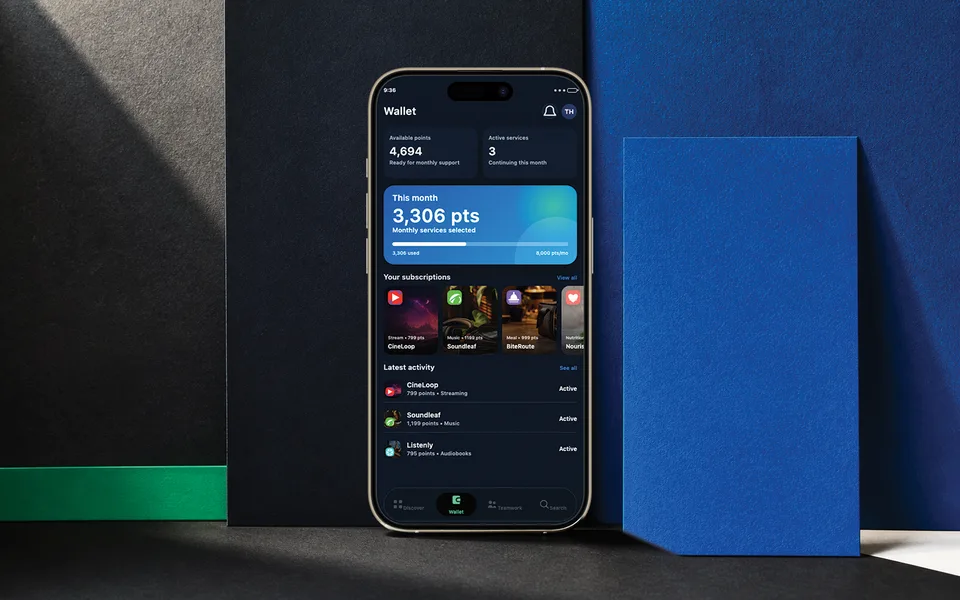
Set monthly point access by team, role, department, or location.
Keep an eligible service already in your routine or try something new.
Services continue when covered. Unused points return to the employer.
Support does not have to mean changing everything. Start with what already helps, or explore what could help next.
When an eligible service is available through Fufild, activate access inside the platform instead of continuing to cover that subscription separately.
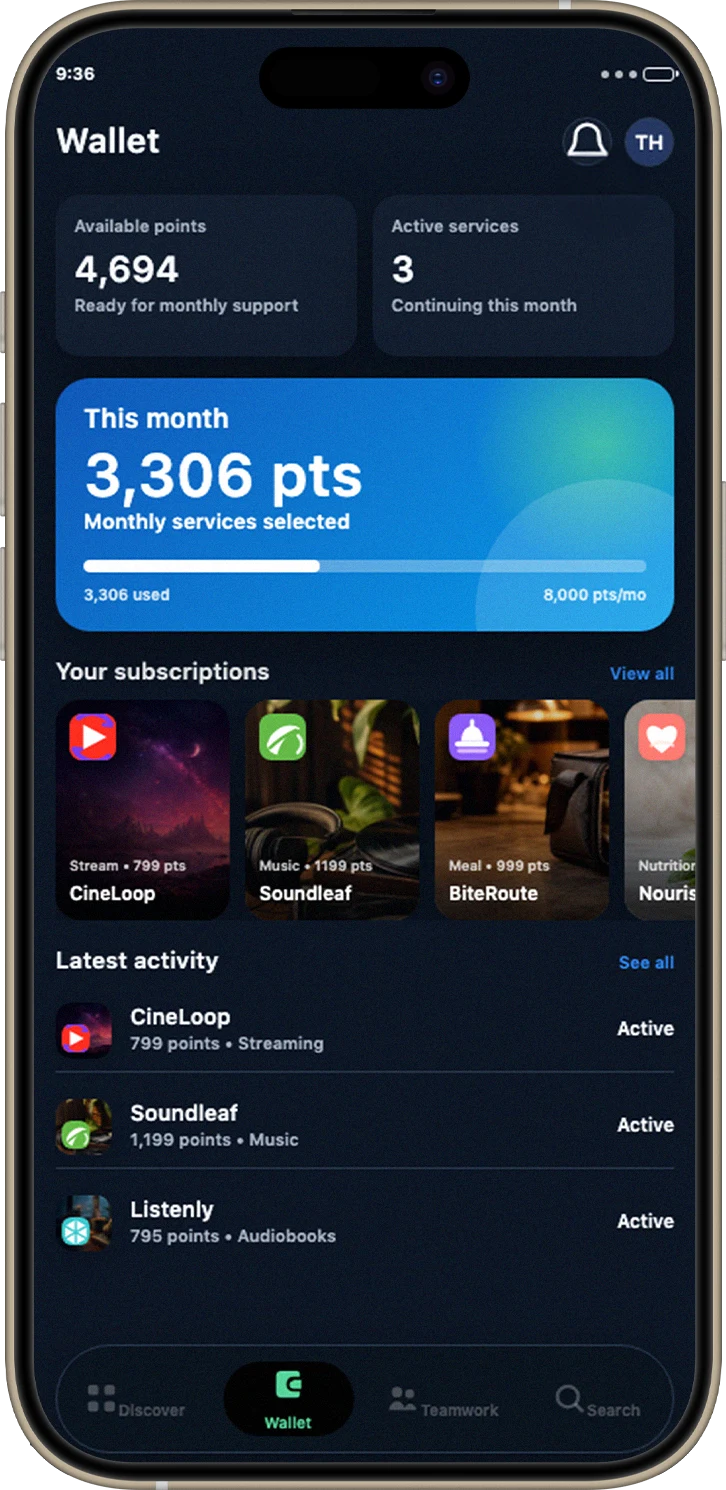
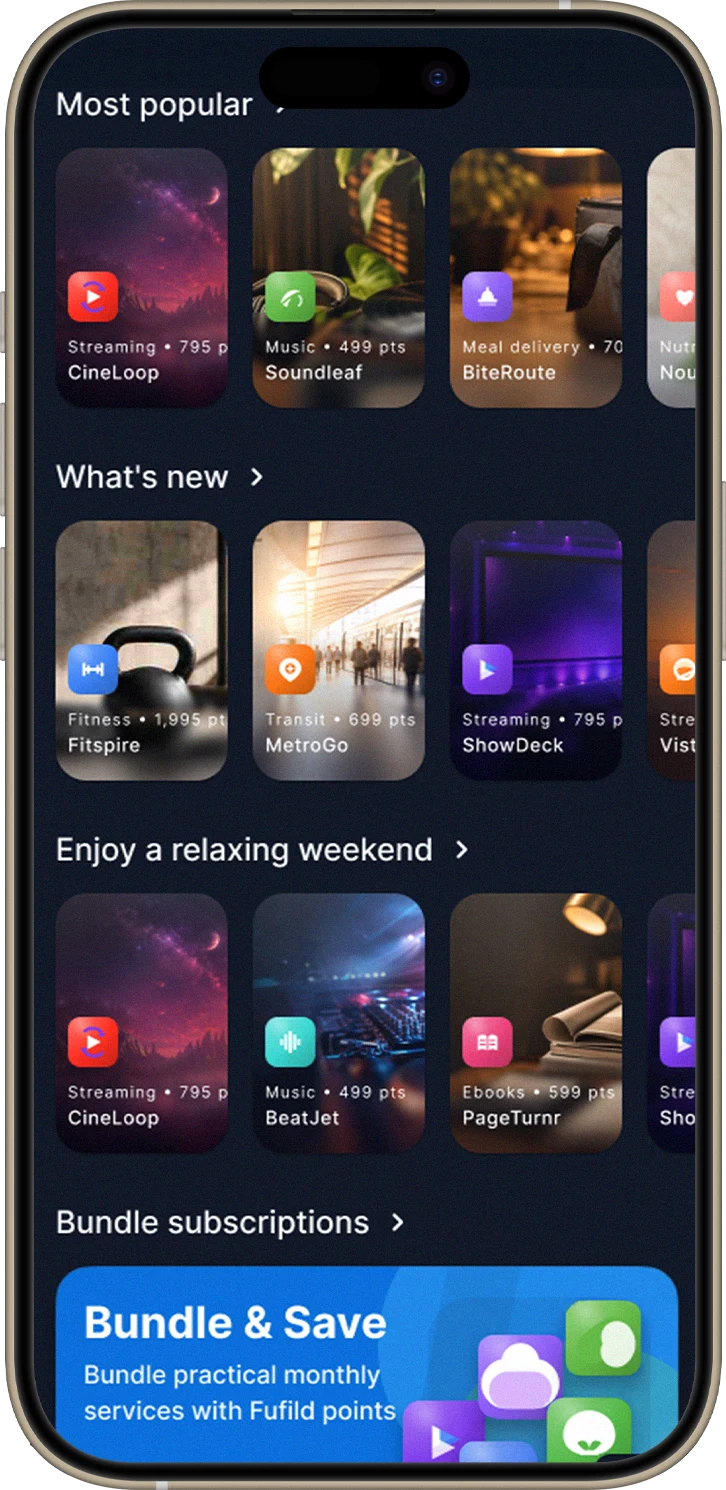
Browse available services across Enjoyment, Wellness, Convenience, and Growth. Choose what fits this month, then choose differently as life changes.
Follow one sample cycle to see ongoing service commitments, unused points, and the monthly reset.
Your employer provides monthly points for eligible services. This sample program starts with 4,000.
Sample program · 4,000 points / cycleEmployer-funded access for eligible services across four areas of life.
Your allocation follows your program’s schedule.
Points are service access units, not cash.
Enjoy what helps now. Points reset monthly; unused points don’t roll over.
Simplified, fully covered example. Allocation dates and provider billing dates can differ; your actual costs and available points follow your program and service activity.
Illustrative walkthrough · Fictional services, dates, and sample points. Actions affect this demo only.
A fresh month of support.Read the points policy →Fufild turns Care-First intent into a program teams can configure, launch, understand, and guide with confidence.
Define eligibility and monthly point access by workforce group, role, department, or location.
Invite employees, make the experience recognizable, and help people reach first use.
See activation, engagement, point use, continuity, and category or service patterns.
Use team and location signals to guide timely, relevant communication across the workforce.
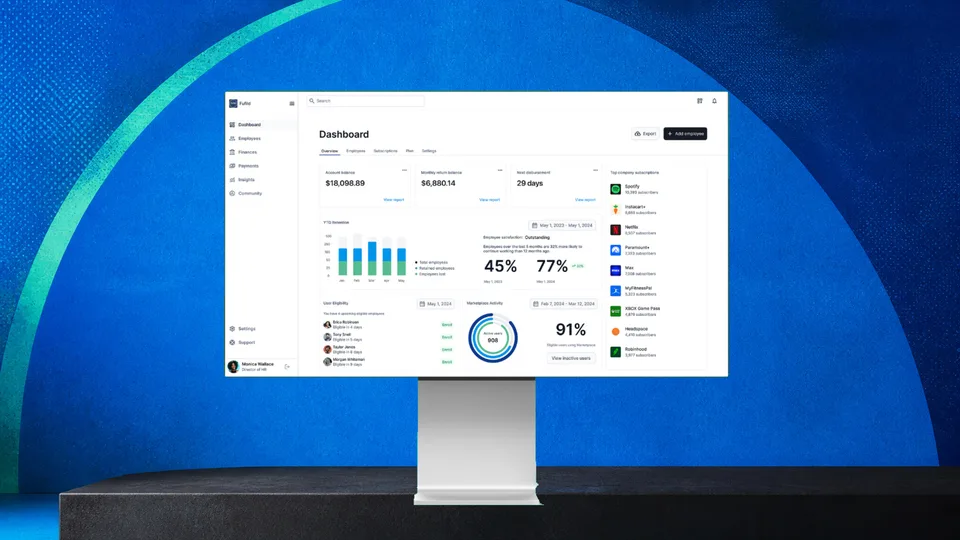
Employee choice stays personal. Employers get a practical view of how the program is being used and where participation needs help.
Points are employer-funded service access units used inside Fufild. They are not a wallet, stipend, reimbursement, compensation, or stored value.